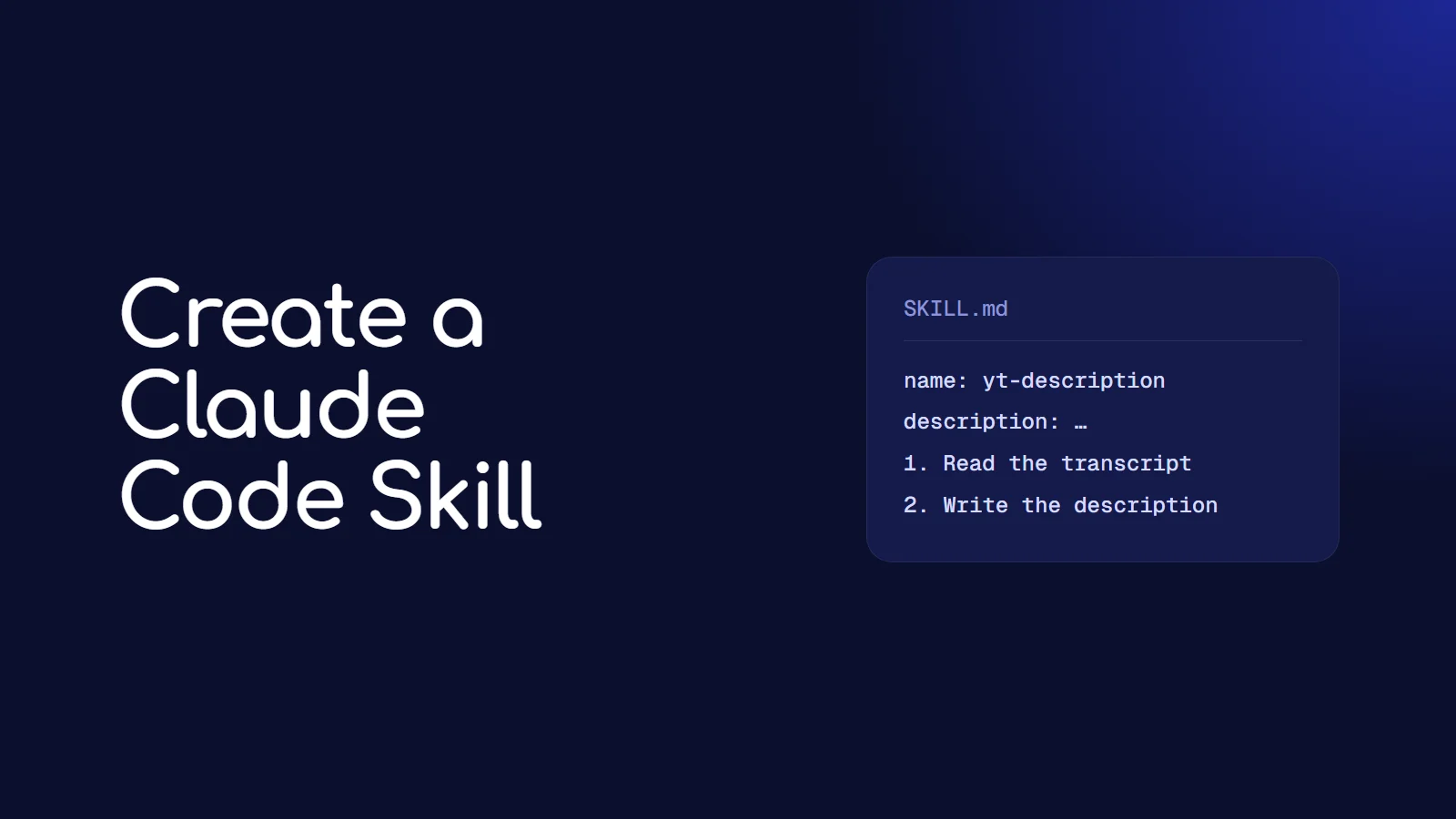
A Claude Code skill is a folder containing a SKILL.md file: a short block of settings at the top, then plain instructions in Markdown. Put it in ~/.claude/skills/<skill-name>/ and Claude Code can use it in every project, either on its own when your request matches the skill's description, or when you type /skill-name. Creating one takes about five minutes, and it is the easiest way to stop re-explaining the same task every session.
If you keep pasting the same long prompt into Claude Code, that prompt should be a skill. Below is exactly how to build one, and a complete working example you can copy.
What is a Claude Code skill, exactly?
Think of a skill as a saved playbook. Instead of typing "write the description, then the chapters, keep it under 5,000 characters, use my link block..." every time, you write it once in a file. Claude Code reads the short description of every skill you have, and loads the full instructions only when it needs them. So you can have dozens of skills without filling up the context window.
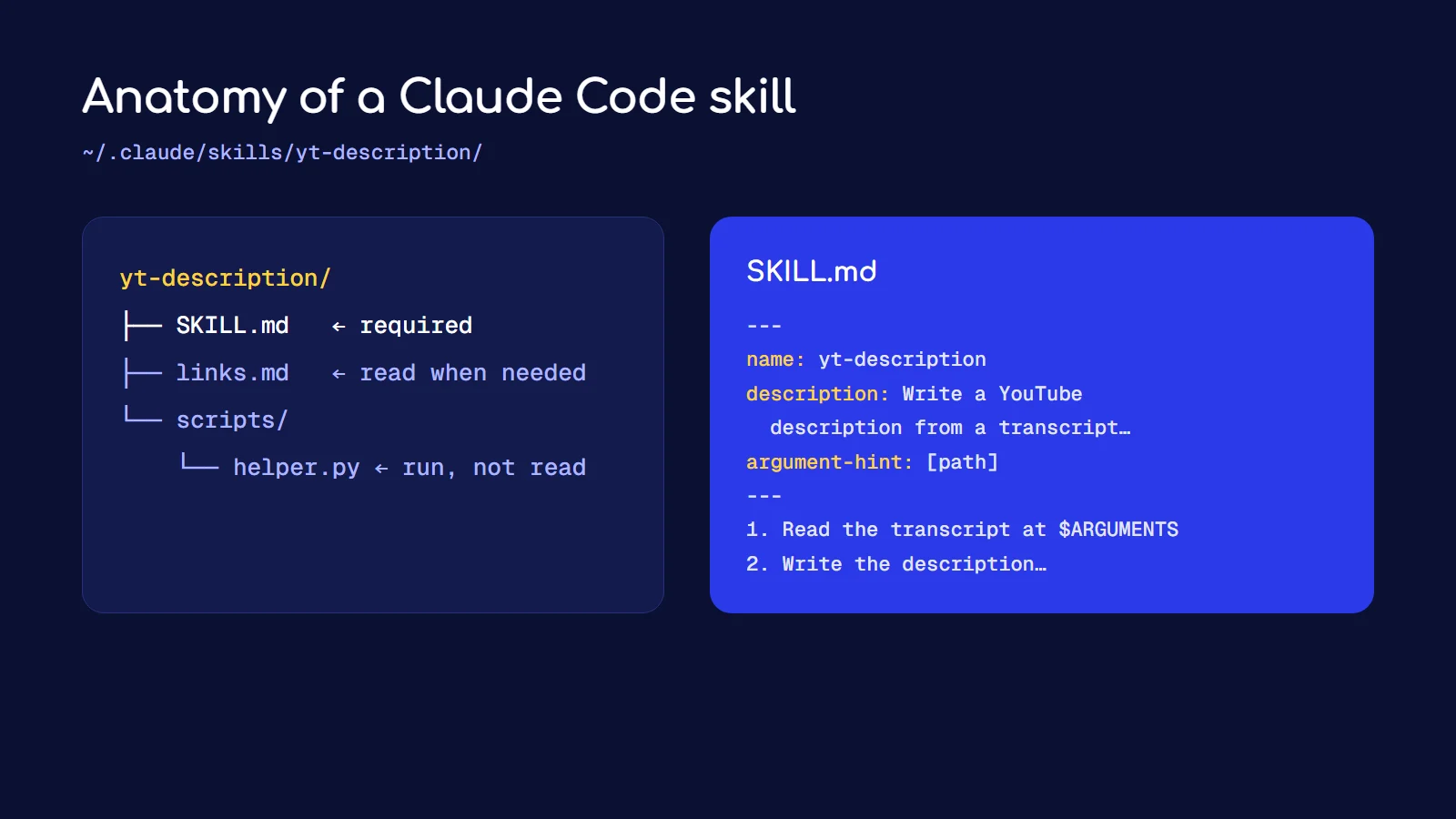
Skills can also include supporting files, like reference docs or scripts, that Claude reads or runs only when the skill calls for them.
Where do skills live?
| Location | Path | Who can use it |
|---|---|---|
| Personal | ~/.claude/skills/<skill-name>/SKILL.md | you, in every project |
| Project | .claude/skills/<skill-name>/SKILL.md | everyone working in that repo (commit it) |
| Plugin | <plugin>/skills/<skill-name>/SKILL.md | anyone with the plugin enabled, as /plugin-name:skill-name |
If the same skill name exists in more than one place, the personal one wins over the project one. Use personal skills for your own habits and project skills for anything the team should share.
How do you create your first skill?
Step 1: Make the folder
mkdir -p ~/.claude/skills/yt-descriptionThe folder name becomes the command name, so this skill will run as /yt-description.
Step 2: Write SKILL.md
Create ~/.claude/skills/yt-description/SKILL.md:
---
name: yt-description
description: Write a YouTube description, chapters and tags from a video transcript. Use when the user shares a transcript or asks for a YouTube description.
argument-hint: [path-to-transcript]
---

Read the transcript at $ARGUMENTS.

1. Write a description of 150 to 200 words. The first two lines must work
   on their own, because YouTube cuts the rest off behind "more".
2. Add chapters as timestamps (00:00 first), one per real topic change,
   at least 10 seconds apart.
3. Suggest 10 tags, most specific first.
4. End with the link block from ${CLAUDE_SKILL_DIR}/links.md, unchanged.

Never invent timestamps. Only use times that appear in the transcript.
Step 3: Add a supporting file
Create ~/.claude/skills/yt-description/links.md with your standard links, socials and disclosures. Because the skill points to it, Claude reads it only when this skill runs.
Step 4: Use it
Start Claude Code and either type:
/yt-description transcripts/episode-12.txtor just say "write the YouTube description for transcripts/episode-12.txt". Because the description in the frontmatter mentions transcripts and YouTube descriptions, Claude Code will pick the skill up on its own.
Which frontmatter fields actually matter?
Every field is optional, but a handful do most of the work:
| Field | What it does | When to use it |
|---|---|---|
description | tells Claude what the skill does and when to use it | always. This is how automatic use works |
name | the /command name (defaults to the folder name) | when you want a different name than the folder |
argument-hint | shows a hint like [path-to-transcript] in the menu | when the skill takes input |
disable-model-invocation | true means Claude never runs it on its own | for anything with side effects, like deploys or sending email |
allowed-tools | tools the skill can use without asking you each time | for trusted, repetitive commands |
context | fork runs the skill in a subagent | for long research tasks you don't want cluttering your chat |
The description is the one people get wrong. "Helps with YouTube" is too vague for Claude to match. Say what it does and the situations where it should be used, in the words you would actually type.
How do arguments work?
Whatever you type after the skill name becomes $ARGUMENTS. If you pass several values, $0, $1 and so on give you each one by position. And ${CLAUDE_SKILL_DIR} always points at the skill's own folder, which is how a skill finds its bundled files and scripts no matter which project you are in.
If your skill doesn't use $ARGUMENTS anywhere, Claude Code still passes your input along, added at the end of the instructions.
When should something be a skill, a subagent or an MCP server?
- Skill: a repeatable process. "Here is how we do X." Instructions plus optional files.
- Subagent: a separate worker with its own context, for big jobs like a codebase search. A skill can run inside one with
context: fork. - MCP server: a connection to an outside system, like a database or n8n. It gives Claude new tools rather than new instructions. I covered one in my guide to building n8n workflows with Claude Code and n8n-MCP.
A good rule: if you are teaching Claude a method, write a skill. If you are giving it access to something, add an MCP server.
What makes a skill work well?
- Keep SKILL.md short. The docs suggest under 500 lines. Move long reference material into separate files and tell Claude when to read each one.
- Write steps, not essays. Numbered steps are followed more reliably than paragraphs.
- State the hard rules plainly. "Never invent timestamps" beats a polite suggestion.
- Protect side effects. Anything that deploys, posts or emails should have
disable-model-invocation: true, so it only runs when you ask. - Test it on real input. Run the skill three times on real files and tighten the wording each time it does something you didn't want.
Frequently asked questions
Where do I put a Claude Code skill?
For yourself, in ~/.claude/skills/<skill-name>/SKILL.md. For a team, in .claude/skills/<skill-name>/SKILL.md inside the repository, committed to git.
Do skills replace custom slash commands?
Yes. Custom commands have been merged into skills. A file at .claude/commands/deploy.md and a skill at .claude/skills/deploy/SKILL.md both create /deploy, and old command files keep working. Skills add supporting files, which commands can't have.
How do I stop Claude from running a skill automatically?
Add disable-model-invocation: true to the frontmatter. The skill then only runs when you type its /name.
Can a skill run scripts?
Yes. Put the script in the skill folder, for example scripts/helper.py, and tell Claude in SKILL.md when to run it, using ${CLAUDE_SKILL_DIR} for the path. The script runs as a command, so its code never takes up space in the conversation.
Why isn't Claude using my skill?
Usually the description doesn't match how you phrase the request. Rewrite it to include the exact words you use, like "transcript" or "YouTube description". Also check that the frontmatter starts on the very first line of SKILL.md, because otherwise the settings are ignored.
If you want custom AI workflows like this set up for your team, get in touch.