The best MCP servers for Claude Code in 2026 are Context7 (current library docs), Playwright and Chrome DevTools (a real browser Claude can test with), GitHub, Supabase, Figma, Notion, Linear, Sentry and, for automation work, n8n-MCP. Each one connects Claude Code to something it can't reach on its own, and each installs with a single claude mcp add command.
You don't need all ten. Most developers get the biggest jump from just two: Context7, so Claude stops guessing at APIs that changed, and a browser server, so it can open your app and check its own work. Add the others when your project actually uses that tool.
What is an MCP server in Claude Code?
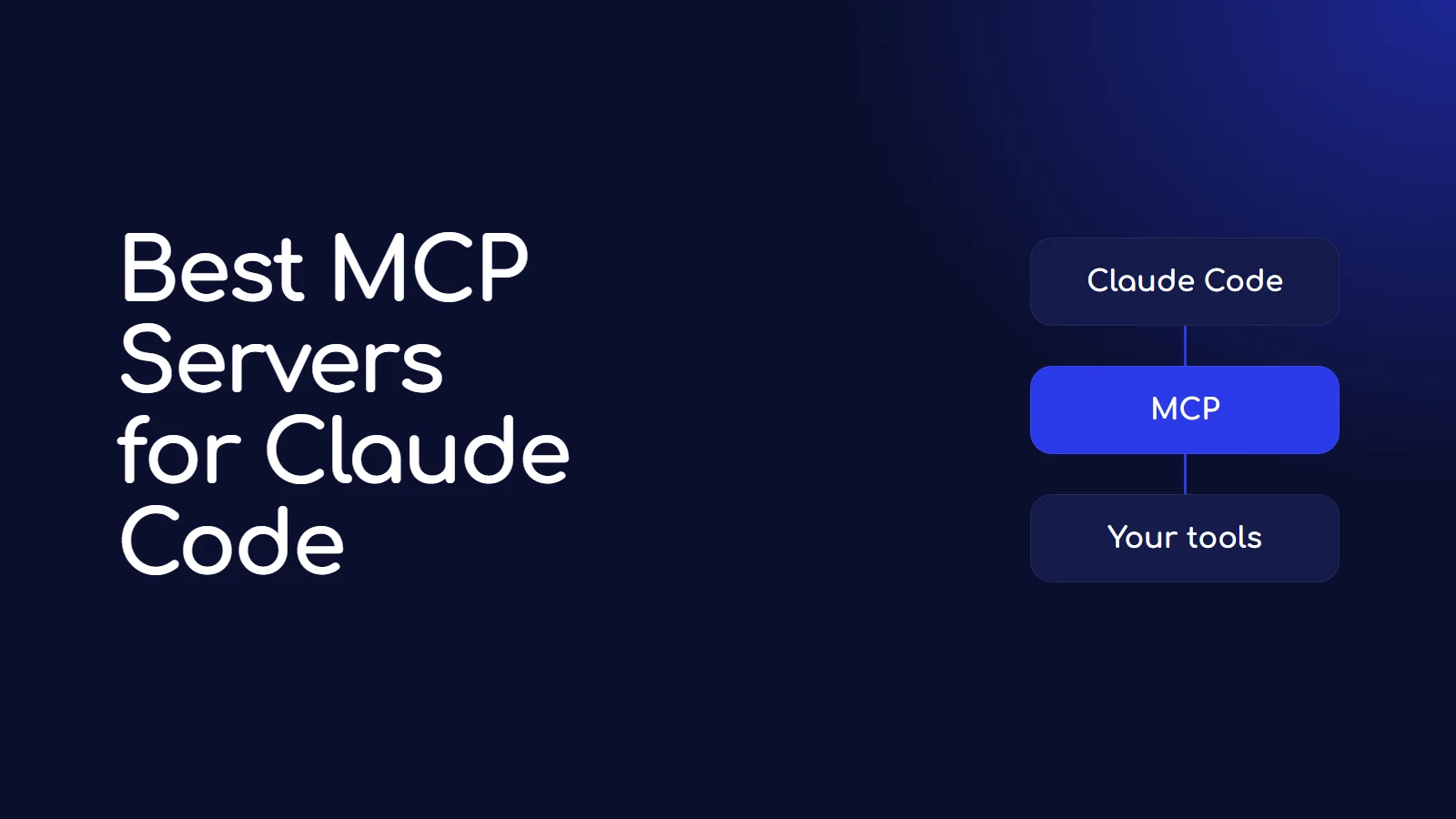
MCP (Model Context Protocol) is the standard way to plug outside tools into an AI assistant. An MCP server is a small program, or a hosted URL, that offers Claude Code a set of tools: "search these docs", "click this button", "run this SQL query", "read this Figma frame".
There are two kinds:
- Remote servers run on the company's side. You add a URL and sign in through your browser. GitHub, Supabase, Figma, Notion, Linear and Sentry all work this way.
- Local servers run on your machine through a command like
npx. Playwright and n8n-MCP work this way.
How do you add an MCP server to Claude Code?
From the Claude Code MCP docs, the two command shapes are:
# Remote server
claude mcp add --transport http <name> <url>

# Local server (everything after -- is the command that starts it)
claude mcp add <name> -- <command> [args...]
Then, inside Claude Code, run /mcp to sign in to any server that needs it. Run claude mcp list in your terminal to see every server and whether it's connected.
Every server is saved in one of three scopes, set with --scope:
| Scope | Who gets it | Stored in |
|---|---|---|
local (default) | Only you, only in this project | ~/.claude.json |
project | Everyone on the project, through git | .mcp.json in the project folder |
user | Only you, in every project | ~/.claude.json |
Use user for servers you want everywhere, like Context7. Use project when your whole team should share a server, and never put API keys in that file.
The 10 best MCP servers for Claude Code
| Server | What it gives Claude Code | Type | Account needed |
|---|---|---|---|
| Context7 | Current docs for thousands of libraries | Remote | Optional free key |
| Playwright | A browser it can click through and test | Local | No |
| Chrome DevTools | Chrome with console, network and performance data | Local (plugin) | No |
| GitHub | Issues, pull requests, repos | Remote | GitHub token |
| Supabase | Your database, schema and logs | Remote | Supabase sign-in |
| Figma | Real layout, variables and components | Remote | Figma sign-in |
| Notion | Your docs and wikis | Remote | Notion sign-in |
| Linear | Issues and projects | Remote | Linear sign-in |
| Sentry | Production errors and stack traces | Remote | Sentry sign-in |
| n8n-MCP | n8n node docs and workflow building | Local | n8n API key (optional) |
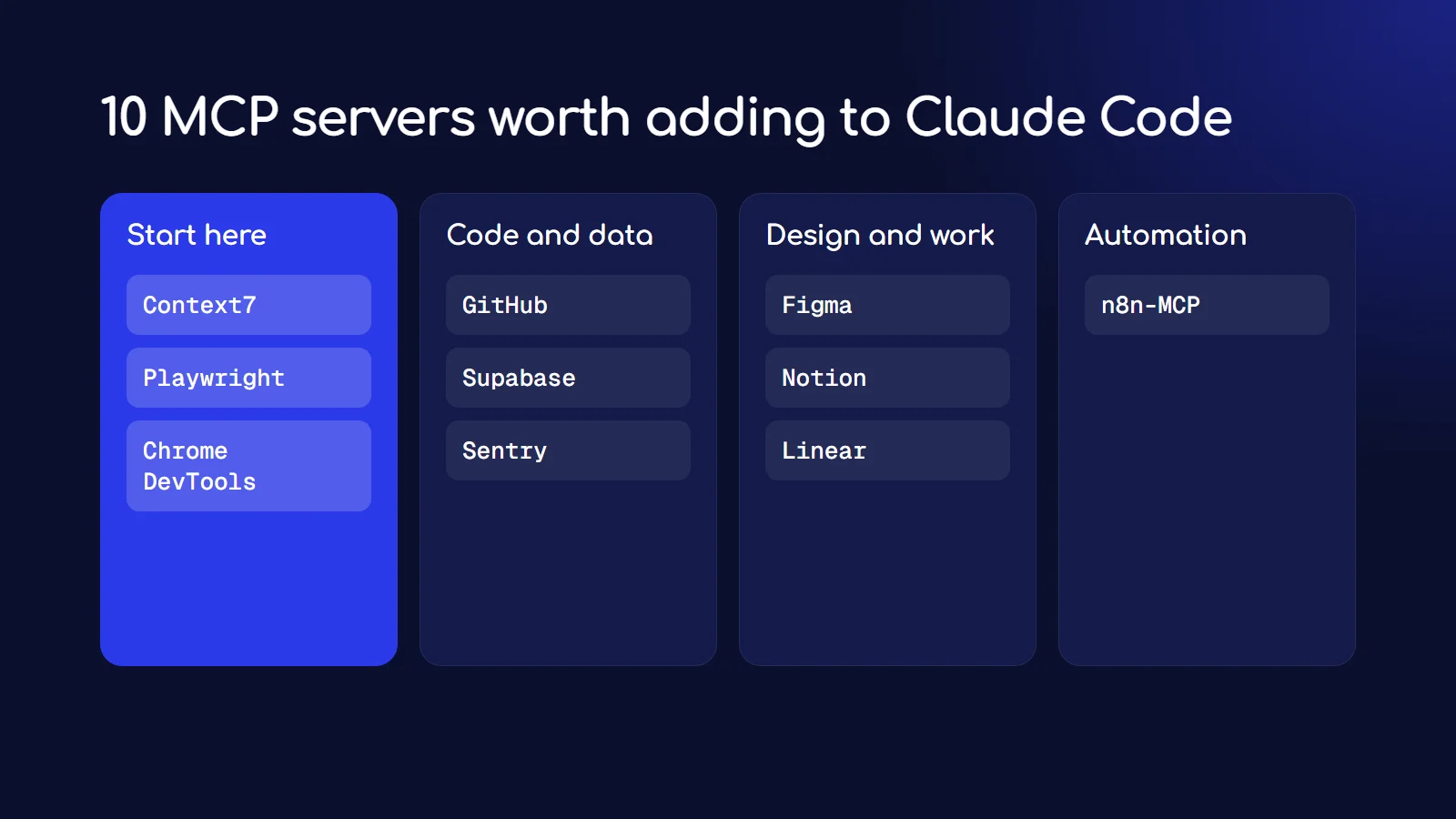
1. Context7: stop Claude from using outdated APIs
Claude's training has a cutoff, and libraries change after it. Context7 fetches the current, version-specific docs and code examples for the library you're using and hands them to Claude Code. This fixes the classic problem of Claude writing code for an older version of Next.js, Tailwind or an SDK.
claude mcp add --scope user --transport http context7 https://mcp.context7.com/mcpIt works without a key. A free key from the Context7 dashboard gives you higher rate limits; pass it with --header "Authorization: Bearer YOUR_API_KEY".
2. Playwright: let Claude test in a real browser
Microsoft's Playwright MCP gives Claude Code a browser it can drive: open pages, click, fill forms, and check what happened. It reads the page through the accessibility tree instead of screenshots, which is faster and more reliable for an AI than guessing from pixels.
claude mcp add playwright npx @playwright/mcp@latestUse it when you want Claude to build a feature and then actually click through it, instead of assuming it works.
3. Chrome DevTools: debug like a frontend developer
Google's Chrome DevTools MCP connects Claude Code to Chrome's developer tools: console errors, network requests and performance traces. Where Playwright is best for testing flows, DevTools is best for "why is this page slow" and "why is this request failing". It installs as a Claude Code plugin, from inside Claude Code:
/plugin marketplace add ChromeDevTools/chrome-devtools-mcp
/plugin install chrome-devtools-mcp@chrome-devtools-plugins
4. GitHub: issues and pull requests without leaving the terminal
GitHub's official server lets Claude Code read issues, review pull requests and search code across your repos. Create a personal access token on GitHub with only the permissions you need, then:
claude mcp add --transport http github https://api.githubcopilot.com/mcp/ \
  --header "Authorization: Bearer YOUR_GITHUB_PAT"
5. Supabase: your database, schema and logs
If your app runs on Supabase, this server lets Claude Code read your schema, run queries and check logs, so it writes code against your real tables instead of guessing. From Supabase's MCP docs:
claude mcp add --scope project --transport http supabase "https://mcp.supabase.com/mcp?read_only=true"Keep read_only=true unless you have a reason not to, and add project_ref=<your-project-id> to limit it to one project. Supabase's own docs warn that connecting an AI to your database carries real risk, so never point it at production data you can't afford to lose.
6. Figma: build from the real design
With Figma's remote server, Claude Code reads your actual layout, variables and components rather than working from a screenshot. Figma's recommended route is its official plugin (claude plugin install figma@claude-plugins-official), or add the server directly:
claude mcp add --transport http figma https://mcp.figma.com/mcpThen run /mcp, choose figma and approve access in the browser.
7. Notion: your docs and specs as context
Point Claude Code at your product specs, meeting notes or wiki in Notion so it can read requirements directly.
claude mcp add --transport http notion https://mcp.notion.com/mcp8. Linear: work straight from your issues
Claude Code can read a Linear issue, do the work, and update it. Linear also offers a read-only endpoint (https://mcp.linear.app/mcp/readonly) if you only want it to read.
claude mcp add --transport http linear-server https://mcp.linear.app/mcp9. Sentry: fix the errors your users actually hit
Sentry's server brings real production errors and stack traces into Claude Code, so you can say "fix the top error from yesterday" and it can see exactly what broke.
claude mcp add --transport http sentry https://mcp.sentry.dev/mcp10. n8n-MCP: build automations with real node docs
If you build automations in n8n, n8n-MCP gives Claude Code the real documentation for every n8n node and, with an API key, can create workflows in your instance. I wrote a full walkthrough in how to build n8n workflows with Claude Code and n8n-MCP.
claude mcp add n8n-mcp -- npx n8n-mcpDo too many MCP servers slow Claude Code down?
Much less than they used to. Claude Code now uses tool search by default on current models: only the tool names load at the start of a session, and full tool definitions load when Claude actually needs them. The docs say this means adding more servers "has minimal impact on your context window".
Two limits are still worth knowing. Claude Code warns when a single tool returns more than 10,000 tokens and caps it at 25,000 by default (you can raise this with the MAX_MCP_OUTPUT_TOKENS environment variable). And every server you add is one more thing that can break or need re-authenticating, so remove the ones you stopped using with claude mcp remove <name>.
Are MCP servers safe?
They're as safe as the access you give them. A few rules:
- Install from the official source. Every server above comes from the company that makes the tool (or, for n8n-MCP, a well-known open-source project).
- Give the least access that works. Read-only modes (Supabase, Linear), tokens with limited scopes (GitHub), one project instead of your whole account.
- Keep approvals on. Claude Code asks before it uses a tool. For anything that writes data, read what it's about to do.
- Keep secrets out of
.mcp.json. That file goes into git. Use environment variables for keys.
Frequently asked questions
What is the most useful MCP server for Claude Code?
For most developers, Context7. It fixes the most common Claude Code failure, writing code for an outdated version of a library, and it takes one command to add.
Are MCP servers free?
The servers themselves are free. Most remote servers need an account with that service (GitHub, Supabase, Figma and so on), and some features depend on your plan with that service.
How do I see which MCP servers I have installed?
Run claude mcp list in your terminal. It shows each server and its status: connected, needs authentication, or failed. Inside Claude Code, /mcp shows the same thing and lets you sign in.
How do I remove an MCP server?
Run claude mcp remove <name>, for example claude mcp remove notion.
What's the difference between an MCP server and a Claude Code skill?
An MCP server connects Claude Code to an outside system and gives it new tools. A skill is a set of instructions that teaches it how to do a task. I explain skills in how to create a Claude Code skill.